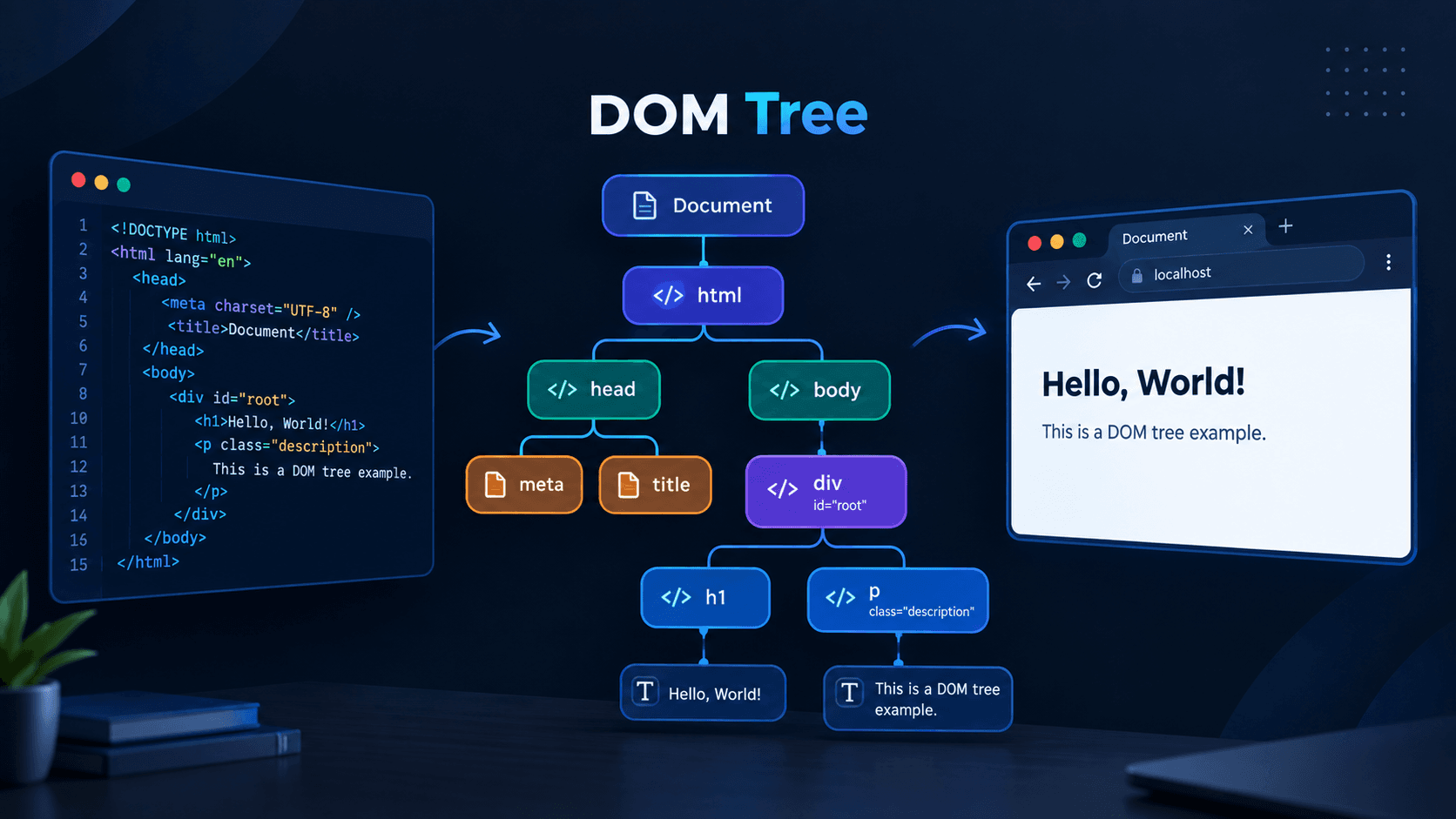
How Does a Browser Render an HTML Page Behind the Scenes?
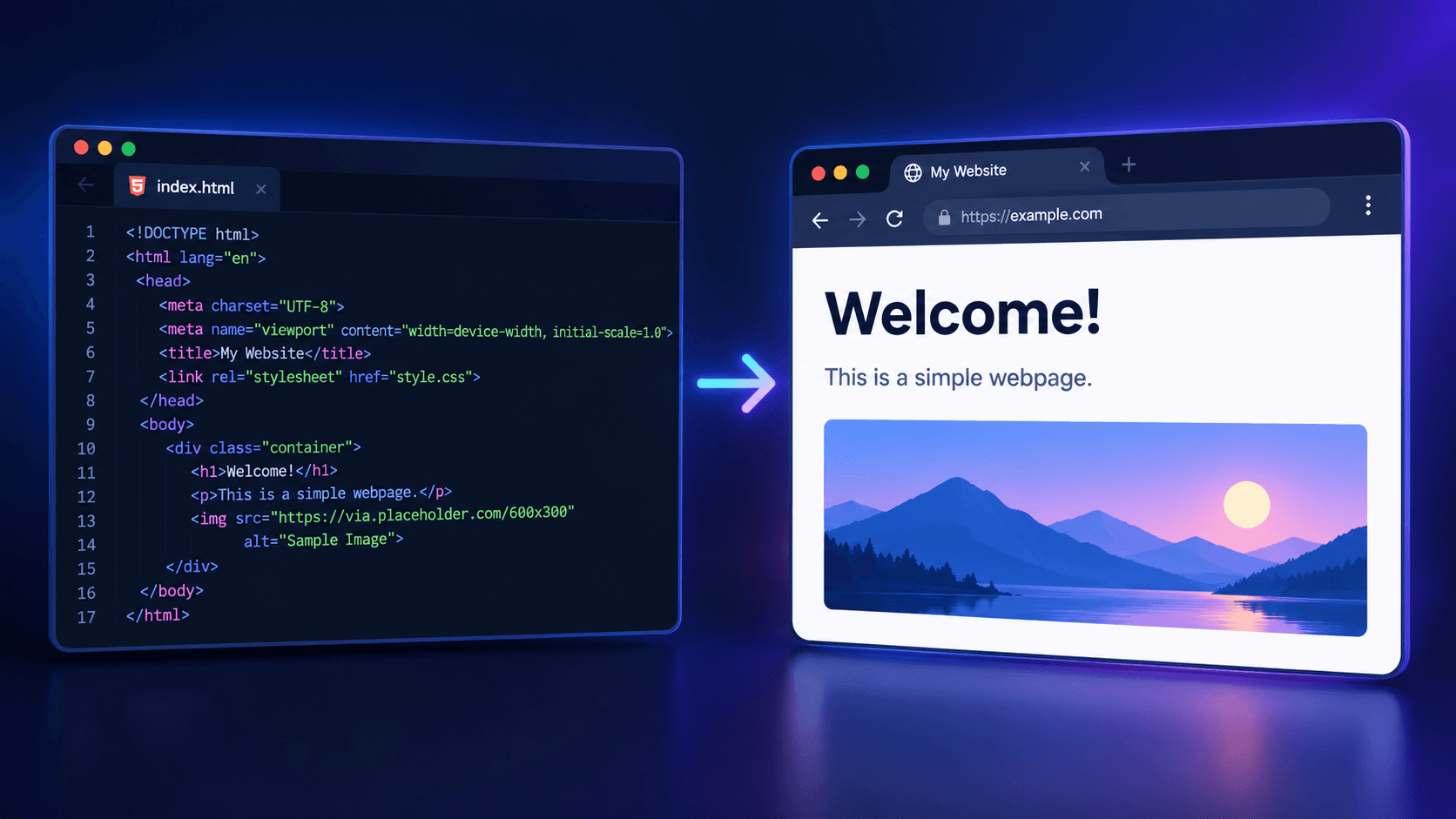
When we write HTML and CSS in our text editor and open that file in any browser, it basically becomes visible through the following 5 steps.
1) DOM: We know that, to display the UI, the browser performs a rendering process (code -> UI). This is handled by the browser's rendering engine. The browser's rendering engine reads the HTML file and creates a tree-structured object called the DOM or Document Object Model. At the core of the browser is this DOM. The elements of the entire web page are arranged inside it in the form of objects. Changing anything inside a website basically means changing the DOM itself.
2) CSSOM: Just as the rendering engine reads HTML and creates the DOM, it creates the CSSOM or Cascading Style Sheets Object Model for CSS.
3) Render Tree: The DOM and CSSOM are combined to create the Render Tree. It deals with the visible parts of the browser. For example, if we use display:none in CSS, that element (such as <p>, <img>, etc.) remains in the DOM, but it is not visible in the browser. This is because the Render Tree is made up of only the parts that are visible in the browser.
4) Layout: After creating the Render Tree, the browser calculates the size, margin, and other geometric properties of the elements and creates a layout.
5) Paint: After completing the above steps, the browser creates the pixels for each element and its CSS, then combines all the layers together to make the web page visible to us.
When we change something inside it and run it again in the browser, the browser has to run Layout and Paint again. When we change the size or shape of something on a website, such as width, height, font-size, etc., Layout has to be recalculated, followed by Paint. Recalculating Layout is relatively expensive because the browser has to calculate the geometry and then Paint the entire visual output. However, if we only change the visual appearance, such as color or background-color, only Paint needs to run again. This is much faster compared to Layout.
What does JavaScript do then?
JavaScript makes this static, lifeless body come alive. By using the created DOM, it directly works with its elements through the document object to perform tasks such as handling button clicks, submitting forms, changing styles, editing text, and more.