How does a React Project visible in browser?
The browser basically understands HTML, CSS, and JavaScript. The same is true in the case of a React Project as well.
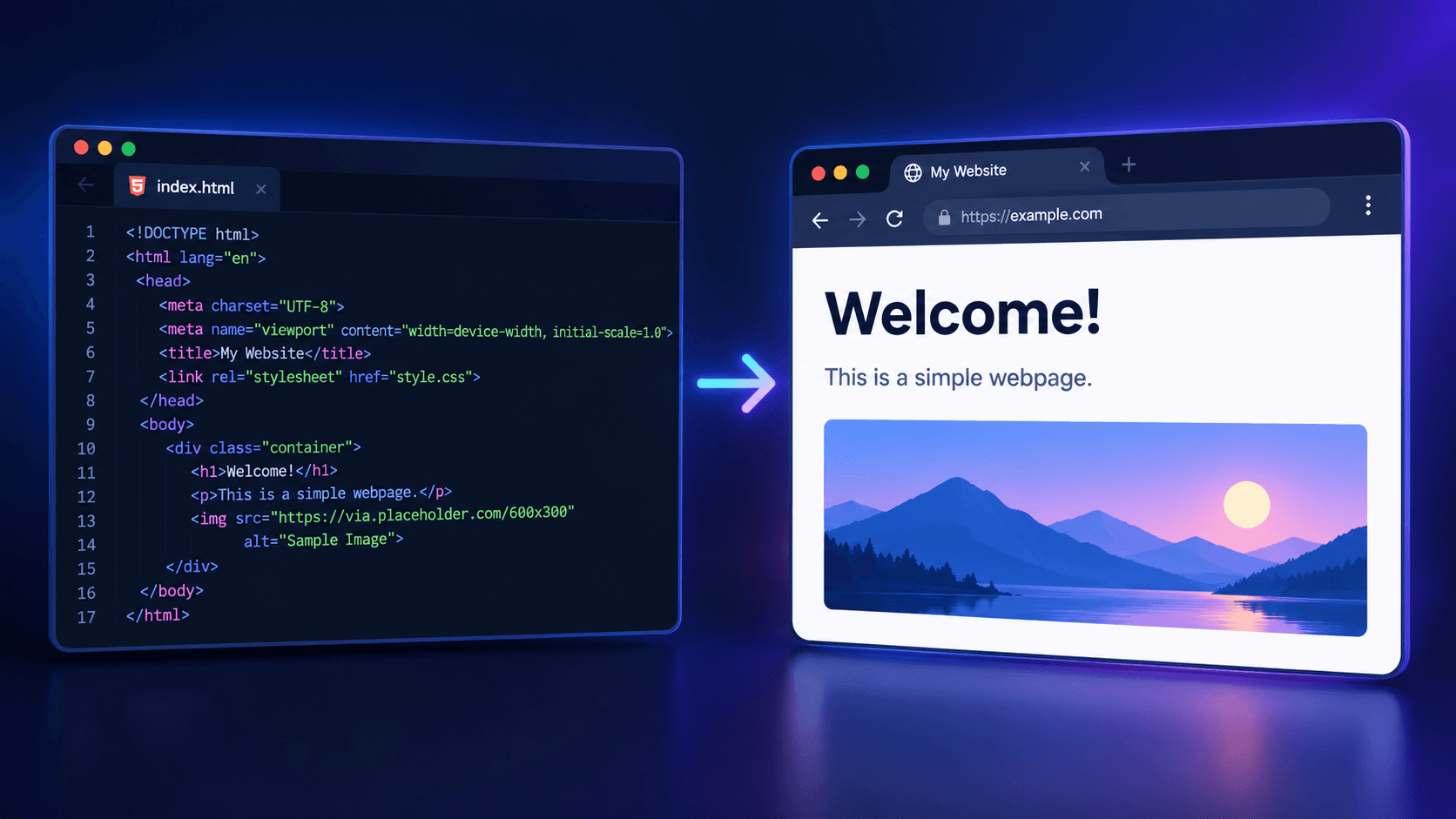
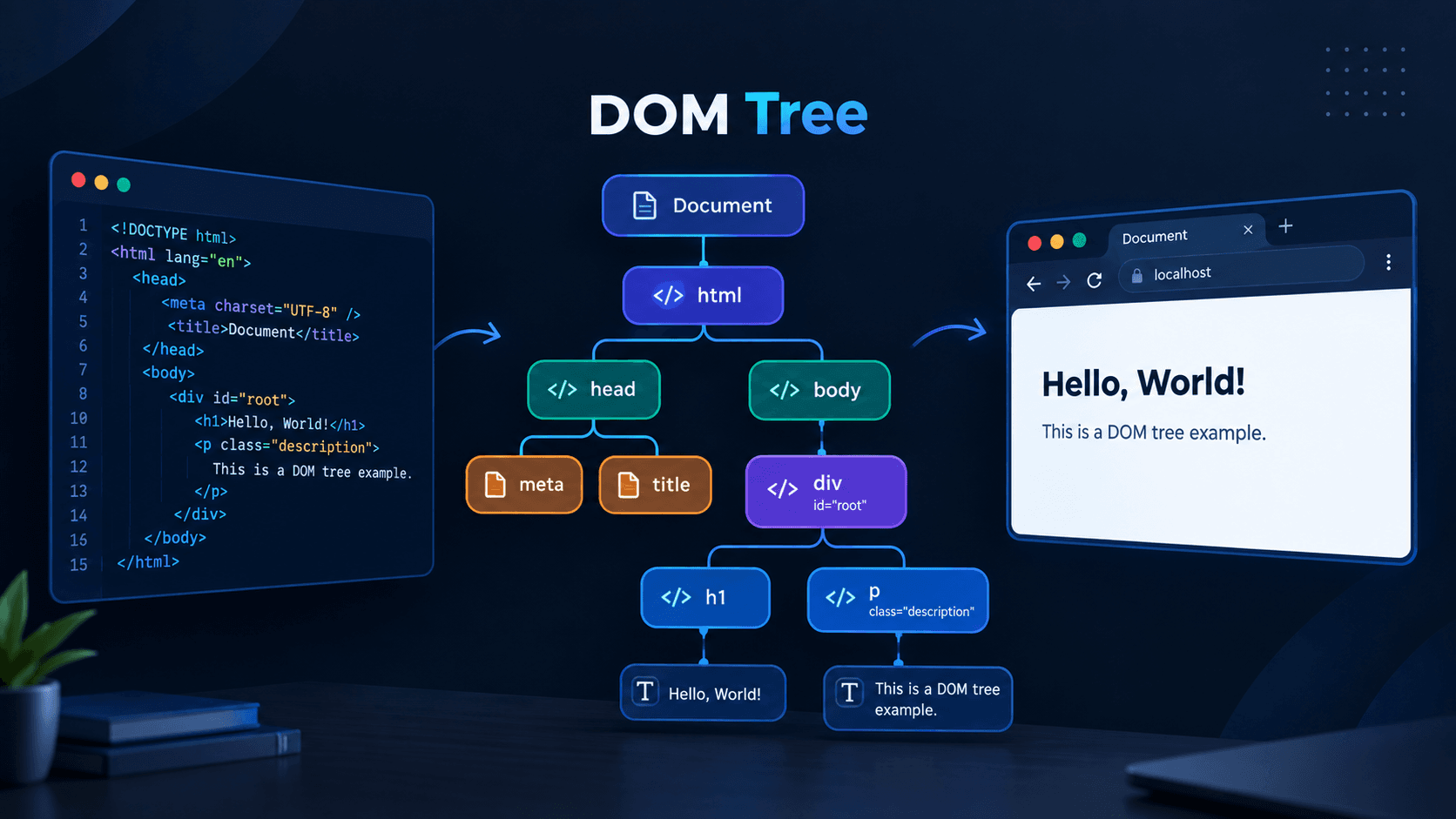
1) Creating the Initial DOM: When we run the project in Developer Mode (npm run dev), the browser's rendering engine basically reads the index.html file of the React project and creates the DOM (Document Object Model). This is exactly what happens in the case of a normal HTML file. However, the body tag of React's index.html remains empty. That's why, when we first hit the browser, we see a blank white screen.
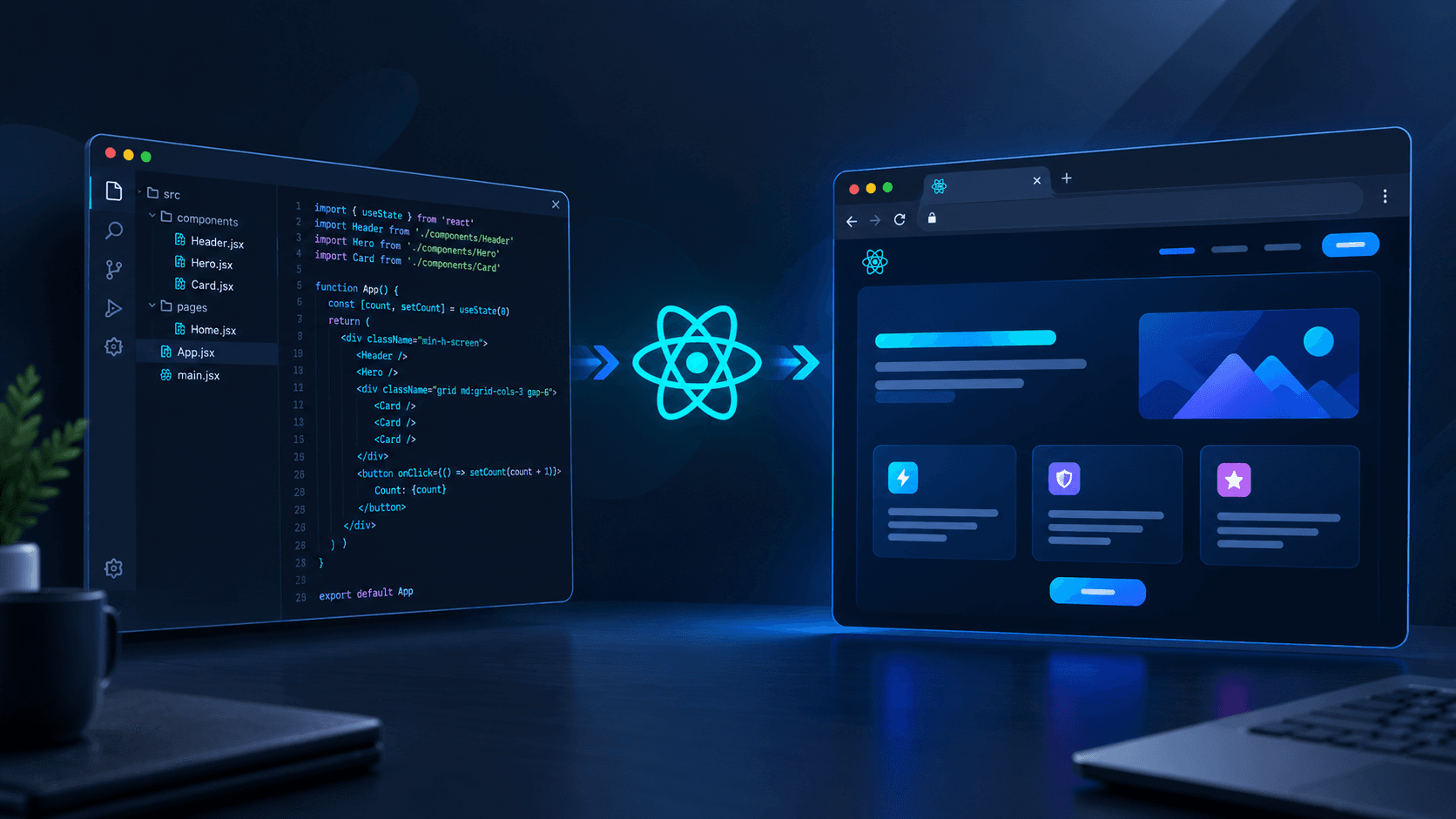
2) JSX/TSX File Compilation: If we look at the image below, we can see that the div tag in the index.html file has an id named root. Later, all the HTML elements created by React are mounted or injected inside this <div> tag. This process starts when the rendering engine reaches the next line. On the following line, there is a <script> tag, which contains main.jsx. But the browser does not understand JSX/TSX files. The browser then sends a request to the Vite development server, and the Vite server compiles the JSX/TSX file and converts it into a Pure JS file, then sends the response back to the browser. The browser then downloads that processed JS file.
3) Virtual DOM Creation and Real DOM Mounting: This is where the main mechanism of React begins. The createRoot(#root) function in the main.jsx file (imported from react-dom) creates a Root Container for React's own management. Then, when .render(<App/>) is called, the Virtual DOM is created based on that Root Container. According to this Virtual DOM, React immediately creates the actual HTML elements and injects them inside the empty <div id="root">. At this point, we can see the UI in the browser.
Development vs Production
The steps explained so far happen in Developer Mode. In Production Mode, there is no Vite server. When we run the build command, Vite, as a build tool, combines all the files of the entire React project and creates a bundle file or smaller chunks of files, which are placed inside the dist folder. Later, the browser loads and renders the required files as needed to display the UI.